Blog
Which photos to upload for your LinkedIn headshot
How many photos to upload for an AI LinkedIn headshot, how varied they should be, and the ones that quietly ruin a set.
3 September 2026
Everything downstream depends on this. The pictures that come back are built from the pictures you send, and the most common reason a set disappoints is not the model — it is eight photographs taken on the same afternoon.
Get this right and the headshots that come back are ones you will actually put on LinkedIn.
Here is what to look for.
Between 8 and 20, and 8 is a floor, not a target
Fewer than 8 and there is not enough to work from: the face starts drifting between pictures, which is the one fault worth caring about. Past that, more only helps if it is different — and adding bad ones actively costs you, because a blurry photograph does not get ignored, it gets learned.
Ten good ones beats twenty of anything.
Different days, different light, different distance
This is the part people get wrong. Eight frames from one burst are, as far as anything looking at them is concerned, one photograph. Variety in the input is what lets the output vary without the face wandering.
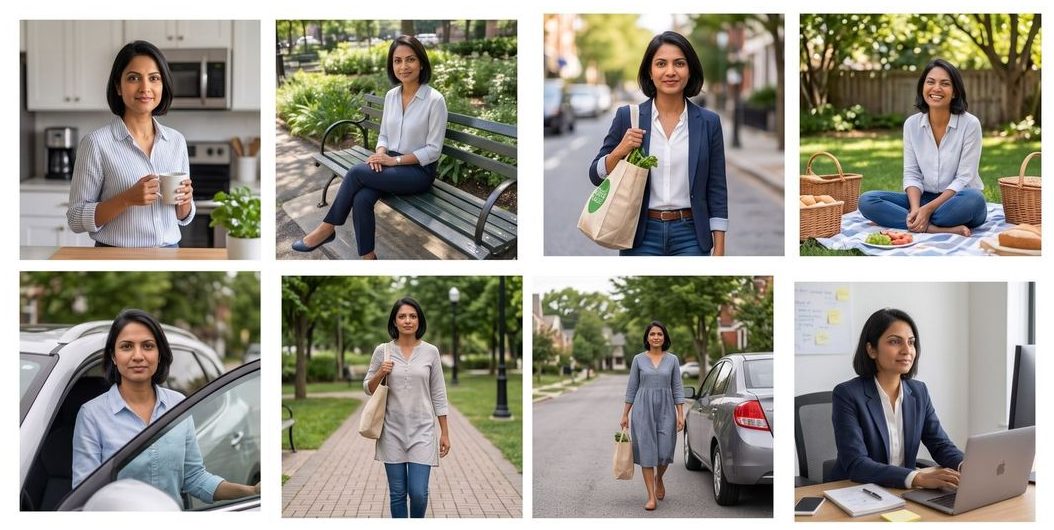
Look at those: nothing posed, nothing taken by a photographer. A kitchen, a bench, a pavement, a desk. Indoor light, hard sun, shade. Some close, some from across a path. That is a good set, and it is sitting in most people's phones already.
What she is not doing in any of them
- Wearing sunglasses, or a hat that shades the eyes.
- Standing in a group. If a photograph has two faces in it, half of what gets learned is somebody else's.
- Looking away in all of them. A few are fine; every one is not.
- Ten years out of date. The picture should look like you now, or the headshot will not.
Heavy makeup, a strong filter and a beauty-mode phone camera all do the same thing: they teach a version of your face that is not quite your face. Whatever went in comes back out.
The awkward one: how you look in them
You do not need to look good in these. You need to be visible, in focus, and recognisably yourself. People delete exactly the photographs that would help most — the ordinary ones, in bad light, where they are not posing — and keep the flattering ones, which are all from the same angle.
Keep the ordinary ones.
Sizes, formats, the boring bit
Straight off an iPhone is fine, HEIC included. Screenshots and heavy crops are not: they have been through a compression twice and it shows. If you have to crop, leave the head and shoulders alone.
Photos and everything made from them are deleted after 30 days. What happens to your photos, in detail.
Read next
 Basics
What is a headshot, and what is a DP?
A headshot is a kind of photograph. A DP is where you put it. What each word means, where each is used, and why one picture has to do both jobs.
Read article →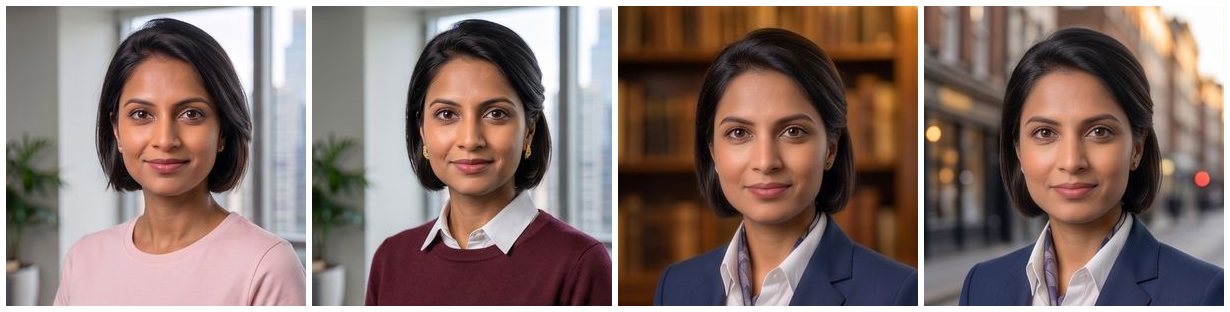 Buying
AI LinkedIn headshots that don't look AI: six checks
How to judge an AI LinkedIn headshot before you pay, and how to check the pictures you get. Six things to look at, in the order that catches the most.
Read article →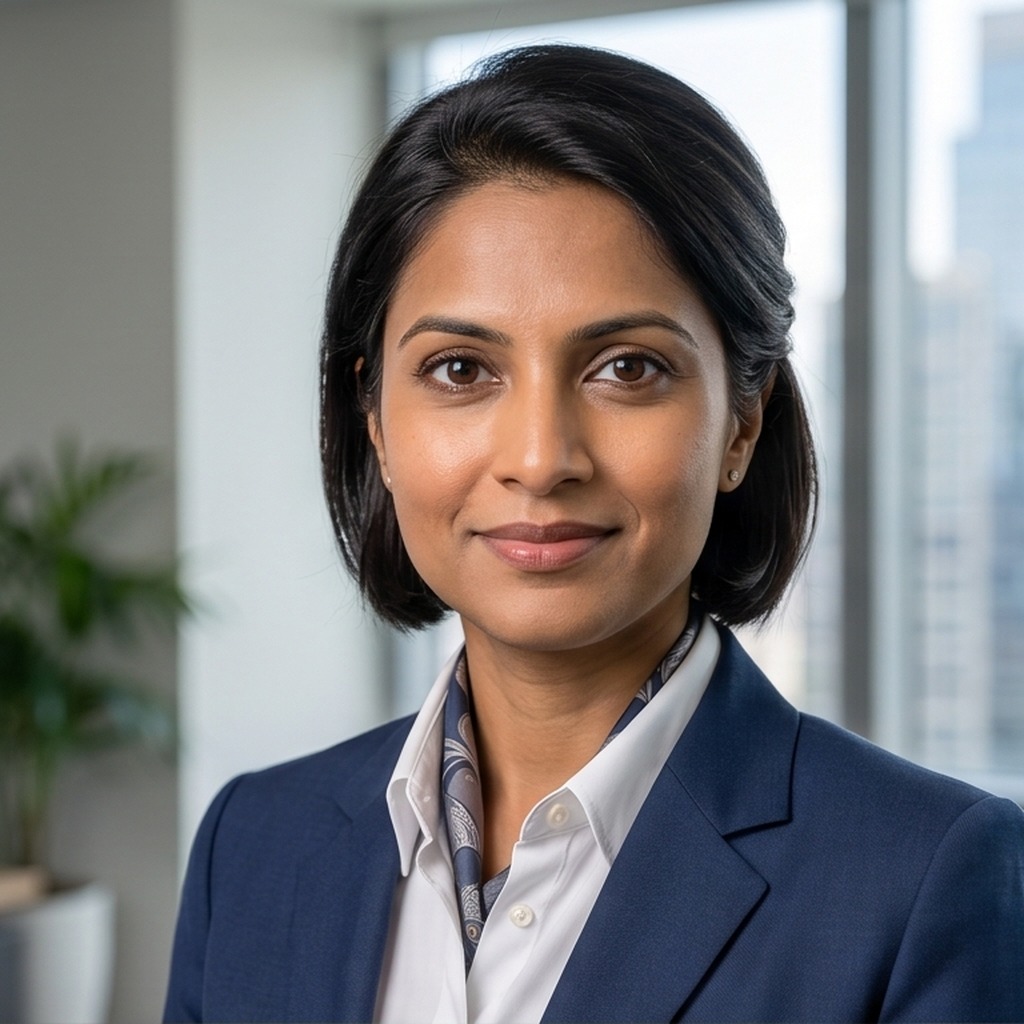 Style
StyleWhat to wear for a LinkedIn headshot
Your LinkedIn headshot is seen a hundred pixels across. Plain beats patterned, collars add structure, and traditional dress is business dress.
Read article →